
Download Zygote Body – Free 3D Anatomy Viewer, Web‑Based, Cross‑Browser Tool
Overview
Zygote Body is a free, web‑based anatomy explorer that lets students, educators, and health‑care professionals view a highly detailed 3D model of the human body directly from a browser. Launched by Zygote Media Group and featured on Softonic since August 2011, the application belongs to the “Search & Lookup tools” category, but its functionality goes far beyond a simple reference. By leveraging WebGL and modern JavaScript frameworks, Zygote Body delivers a smooth, interactive experience without the need for any plug‑ins or downloads.
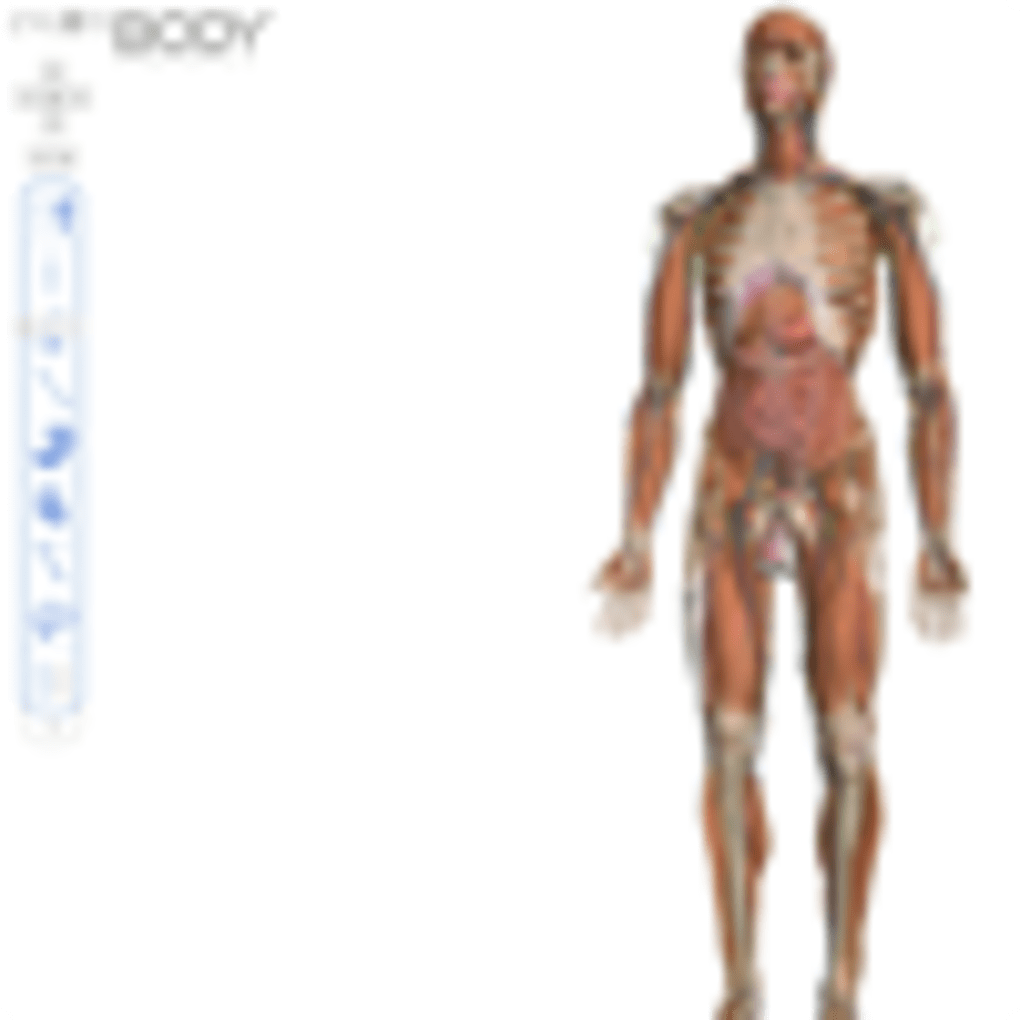
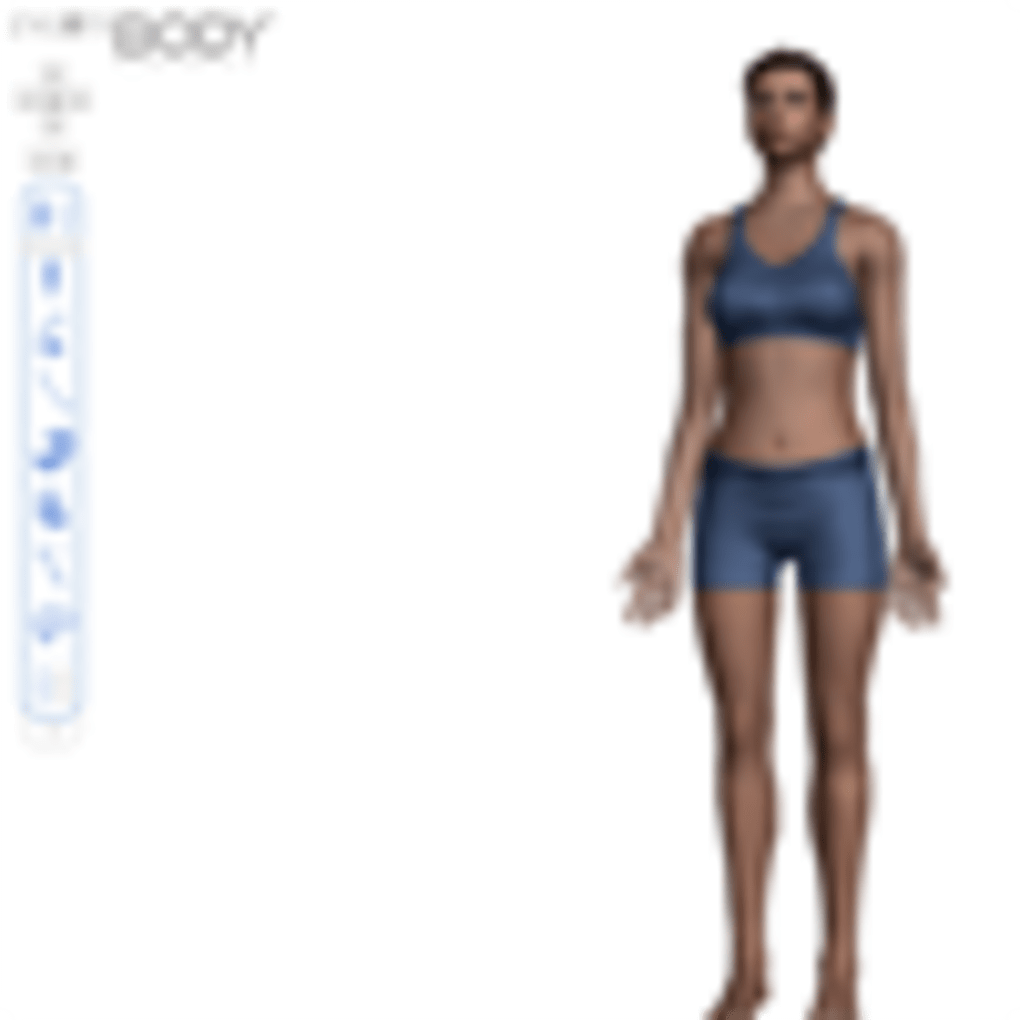
Users can rotate, zoom, and dissect the model layer by layer, revealing bones, muscles, organs, and vascular structures in vivid color. The interface is built in English and works across all major browsers—including Internet Explorer, Firefox, Opera, Safari, and Chrome—making it a truly cross‑platform solution for anyone who needs a reliable, secure, and instantly accessible anatomy resource. Because it runs entirely online, updates are applied automatically, ensuring that the latest scientific data and visual improvements are always available.
Whether you’re preparing a lesson plan, studying for a medical exam, or simply satisfying a curiosity about the human body, Zygote Body offers a powerful yet user‑friendly tool that can be accessed from any device with an internet connection.
Key Features of Zygote Body
- High‑Resolution 3D Model: Over 100,000 polygons create a realistic representation of skeletal, muscular, nervous, and circulatory systems.
- Layered Dissection: Click‑to‑hide or reveal individual anatomical systems, allowing focused study of specific structures.
- Cross‑Browser Compatibility: Works seamlessly on IE, Firefox, Opera, Safari, and Chrome without additional plug‑ins.
- Search Functionality: Quickly locate organs, bones, or vessels by name using the built‑in search bar.
- Measurement Tools: Built‑in ruler and angle tools let users measure distances and angles directly on the model.
- Export Options: Capture screenshots or export views as PNG images for presentations or study notes.
- Responsive Design: Optimized for desktop, laptop, and tablet screens; the UI adapts to different resolutions.
- Free Access & No Installation: As a pure web app, Zygote Body requires no download, license key, or registration.
- Regular Data Updates: The model is refreshed periodically to incorporate the latest anatomical research.
- Educational Resources: Integrated links to external anatomy textbooks and tutorials enhance the learning experience.
These features collectively make Zygote Body a versatile tool for a wide audience. The ability to isolate individual systems—such as the cardiovascular network or the musculoskeletal framework—means that users can concentrate on the exact anatomy they need without visual clutter. The search functionality, coupled with a clean English UI, reduces the learning curve and speeds up information retrieval.
For educators, the measurement and export tools provide a straightforward way to generate custom visuals for lectures or handouts. Meanwhile, the fact that the application is completely free and runs in any modern browser eliminates the financial and technical barriers that often accompany premium anatomy software. Whether you are a high‑school biology teacher, a medical student, a physiotherapist, or simply a curious mind, Zygote Body offers a rich, interactive experience that rivals many paid desktop solutions.
Installation & Usage Instructions
Because Zygote Body is a web‑based application, there is no traditional installation process. Getting started is as simple as opening a supported browser and navigating to the official Zygote Body URL. Follow these steps for a smooth experience:
- Open Your Browser: Launch Internet Explorer, Firefox, Opera, Safari, or Chrome. Ensure the browser is up to date to support WebGL rendering.
- Visit the Site: Type
https://zygotebody.com(or the Softonic link) into the address bar and press Enter. - Allow WebGL: Most modern browsers enable WebGL by default. If you see a blank screen, check the browser’s settings and enable hardware acceleration.
- Familiarize with the Toolbar: The top toolbar contains icons for rotating, zooming, resetting the view, and toggling anatomical layers.
- Search for Structures: Use the search box on the left to type the name of an organ, bone, or vessel. The model will automatically highlight the result.
- Dissect the Model: Click on a system (e.g., “Muscular”) to hide or reveal it. You can also click individual components in the layer list for precise control.
- Measure & Annotate: Activate the ruler icon to draw a line between two points and obtain a distance measurement. Use the angle tool to calculate joint angles.
- Export Views: When you have the desired orientation, click the camera icon to capture a screenshot. Save the PNG file to your computer for later use.
- Refresh for Updates: Because updates are server‑side, simply reload the page to receive the latest anatomical data and visual improvements.
If you encounter performance issues on older hardware, reduce the model’s detail level via the settings menu. This option lowers polygon count and can improve frame rates on less powerful machines. Additionally, clearing the browser cache occasionally helps prevent rendering glitches that may arise from outdated resources. For users who prefer a more focused learning environment, Zygote Body offers a “Presentation Mode” that hides all UI elements except the 3D canvas, allowing an unobstructed view of the anatomy.
Compatibility, Pros & Cons
Zygote Body runs entirely in the browser, making it compatible with Windows, macOS, Linux, and Chrome OS platforms. Any operating system that supports a modern browser with WebGL will render the application correctly. Mobile support is limited; while the site can be accessed on tablets, the full set of tools (especially measurement features) is optimized for desktop‑class devices.
Pros
- Free and instantly accessible—no download or license required.
- High‑quality 3D visualizations that rival paid desktop software.
- Works on all major browsers without additional plug‑ins.
- Layered dissection and powerful search make navigation fast.
- Regularly updated database ensures scientific accuracy.
- Measurement and export tools are ideal for educators and students.
Cons
- Limited offline capability—requires an internet connection.
- Advanced features (e.g., custom annotations) are not available.
- Mobile experience is less robust than the desktop version.
- Interface is English‑only, which may limit non‑English speakers.
- No native app for Android or iOS, only a web interface.
Overall Rating: 4.5/5 – Zygote Body delivers a high‑quality, free anatomy experience that meets the needs of most learners and professionals. Its few drawbacks are outweighed by the breadth of features and ease of access.
Frequently Asked Questions (FAQ)
Is Zygote Body really free to use?
Yes, Zygote Body is completely free. There are no hidden fees, subscription plans, or registration requirements. The developers fund the service through educational partnerships and optional donations, but all core features remain accessible at no cost.
Do I need a powerful computer to run Zygote Body smoothly?
While Zygote Body performs best on modern hardware with a dedicated graphics processor, it includes a “low‑detail” mode that reduces polygon density for older machines. Most laptops released after 2015 can handle the default settings without lag.
Can I use Zygote Body offline?
Because the model and interface are delivered from Zygote’s servers, an active internet connection is required. However, you can cache a session by keeping the browser tab open; this will allow brief periods of offline viewing, but full functionality (search, updates, and exporting) will be unavailable.
Is there a mobile app for Zygote Body?
At present, Zygote Body does not offer native Android or iOS apps. The web interface can be opened on tablets, but touch controls are limited compared to the desktop experience. The development team has hinted at a mobile version in future updates.
How often is the anatomical data updated?
Zygote Media Group releases major updates roughly twice a year, incorporating the latest scientific findings and improving visual fidelity. Minor patches and bug fixes are deployed continuously, ensuring that users always see the most accurate representation of human anatomy.
If you have additional questions, feel free to explore the community forums linked at the bottom of the Zygote Body website. Users frequently share tips for optimizing performance, creating custom views, and integrating the tool into classroom curricula.
Conclusion & Call to Action
Zygote Body stands out as a high‑quality, free, and instantly accessible anatomy viewer that caters to a broad spectrum of users—from medical students to hobbyist anatomy enthusiasts. Its cross‑browser compatibility, layered dissection system, and built‑in measurement tools deliver a level of interactivity that is rarely found in other free web applications. While the lack of offline support and a dedicated mobile app are notable limitations, the advantages—especially the zero‑cost model and regular data updates—far outweigh the drawbacks for most educational and professional scenarios.
If you are looking for a reliable way to explore the human body without the expense of premium software, Zygote Body is an excellent choice. Simply open your favorite browser, navigate to the site, and start dissecting the anatomy in real time. For educators, the export and screenshot functions make it easy to embed high‑resolution images into lecture slides or study guides. For self‑learners, the search feature and intuitive UI provide a quick pathway to deepen your understanding of complex physiological systems.
Ready to experience the world’s most detailed free 3D anatomy model? Download Zygote Body now and begin your interactive journey through the human form. Remember to bookmark the page for easy access, and consider sharing your favorite views with classmates or colleagues—learning is always better when it’s visual and collaborative.



.png)



